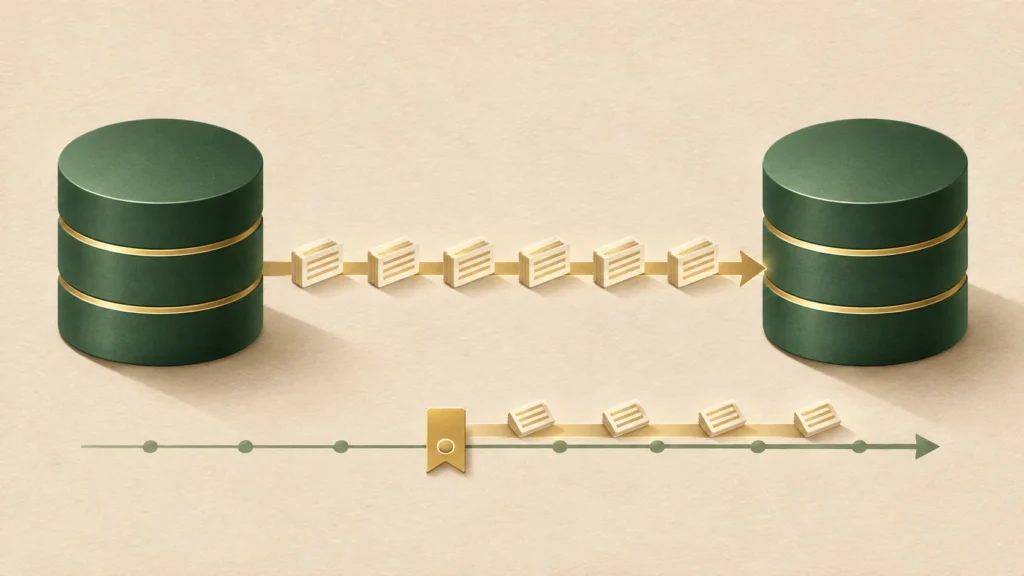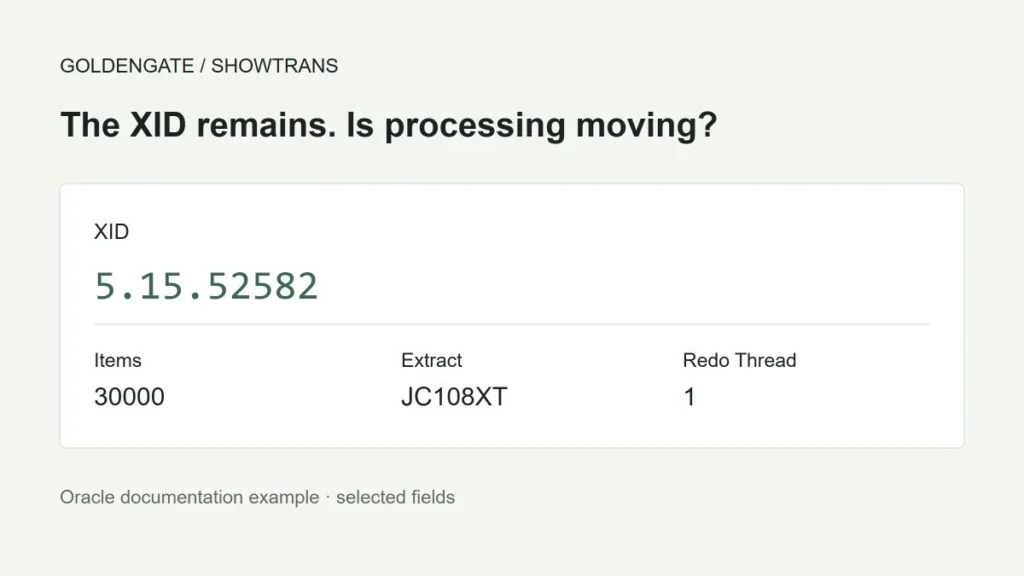
If an XID remains after a recovery-complete message, first check whether Extract’s processing position is advancing. A persistent XID alone does not establish that Extract is stuck or needs another restart. Check the source transaction, Extract’s position, and delivery to the target.
The same XID remained after recovery completed
After sequential Extract restarts, all groups reached Recovery complete: Processing data. Some groups still showed 14.15.4795600 in SHOWTRANS. Another XID, 14.4.4794298, appeared the following day.
In this incident, rebuilding two 38 GB indexes was followed by a three-day period before all Extract groups caught up. The experience made it necessary to distinguish completion of recovery from clearing the backlog. The timing alone does not establish that the index rebuilds were the sole cause.
Establish what the XID represents
An XID identifies an individual database transaction. A transaction groups changes into one unit of work; for example, a transfer might group a debit and a credit in the same transaction. Here, the XID is a reference for identifying the work GoldenGate is still tracking.
Before comparing repeated output, make sure it comes from the same Extract group. SHOWTRANS reports transactions tracked by Extract; its output does not necessarily match a query of work currently active in the database.

Items counts operations extracted so far; it is neither a remaining-work count nor the transaction’s total operation count. The cover uses values from Oracle’s SHOWTRANS example.
Start Time is the timestamp of the first operation GoldenGate extracted from that transaction, not necessarily when the database transaction began. Oracle SEND EXTRACT documentation
A new XID needs its own investigation. Follow-up index work or internal DDL may be worth examining, but a change in XID does not prove that relationship.
Compare two observations under the same conditions
Replace EXTRACT_A with the actual group name. Record the observation time, time zone, release, and Extract mode. Confirm command support in your installed release.
INFO EXTRACT EXTRACT_A, DETAIL
INFO EXTRACT EXTRACT_A, SHOWCH
SEND EXTRACT EXTRACT_A, STATUS
SEND EXTRACT EXTRACT_A, SHOWTRANS
SEND EXTRACT EXTRACT_A, GETLAG
STATS EXTRACT EXTRACT_A, TOTAL
Repeat the queries and compare positions and operation counts. TOTAL accumulates statistics since process startup, so subtracting two values is not meaningful if the process restarted between observations. Counts can also remain unchanged while Extract reads work outside the reported statistics. Read positions and logs alongside the counts. STATS EXTRACT
With SHOWCH, distinguish the current checkpoint from the recovery checkpoint. Compare positions within the appropriate redo thread and file sequence. An RBA alone is not enough when the file has changed. INFO EXTRACT
XID: 5.15.52582
Thread: 1 · Sequence: 120
RBA: 10,000
XID: 5.15.52582
Thread: 1 · Sequence: 120
RBA: 18,000
The XID is unchanged, but the read position has advanced.
This does not establish that this transaction has completed or reached the target. Also check errors, lag trends and Replicat.
| Observation | Next step |
|---|---|
| Positions advance without errors | Monitor the lag trend and verify target delivery. |
| No progress, with repeated errors or prolonged waits | Investigate the first error, access to required logs, and resource waits. |
| An XID persists, but other evidence is missing | Check transaction state and query scope. Do not restart just to clear the XID. |
Choose an observation interval based on normal throughput and acceptable delay. Five or twenty minutes is not a universal failure threshold. A small GETLAG value still needs to be considered alongside transport, Replicat, and actual target delivery.
Check the scope of an empty database query
If an XID is absent from V$TRANSACTION, that does not establish that Extract is holding a harmless cache entry. Verify the database, instance, container, and observation time. Extract may still be processing a transaction that has already finished at the source.
For Integrated Extract, inspect transactions handled by the relevant capture components as well. V$GOLDENGATE_TRANSACTION exposes LCR-related information for capture, outbound, and inbound components. It does not list every active transaction, so an empty result does not prove completion. Include the relevant instances in a RAC investigation. Oracle Database 19c view reference
Inspect the relevant redo when commit status matters
LogMiner can help investigate past database changes when current state is insufficient. Redo records those changes. The analysis must cover the transaction’s work and its end; finding no COMMIT in a few selected files is not enough.
Agree on scope and resource impact with the DBA first. Use logs from the same database and incarnation, including continuous coverage of the relevant RAC threads. A file appearing in a catalog does not establish that it is readable.
For Oracle Database 19c’s explicit-file workflow, use a dedicated session to register logs with DBMS_LOGMNR.ADD_LOGFILE, start the bounded analysis with START_LOGMNR, and then query the results. File registration in a CDB requires a root connection. The dictionary resolves object information; when using the current dictionary, account for definitions that may have changed since the logged DDL. Finish with DBMS_LOGMNR.END_LOGMNR in the same session. DBMS_LOGMNR prerequisites
The following query assumes a successfully configured mining session. Replace the incident’s XID with your own. Do not casually enable COMMITTED_DATA_ONLY when investigating in-progress or rolled-back transactions: it filters them out.
SELECT timestamp, scn, operation, seg_owner, seg_name,
       status, info, sql_redo
FROM v$logmnr_contents
WHERE xidusn = 14
  AND xidslt = 15
  AND xidsqn = 4795600
ORDER BY scn;
The column names are XIDUSN, XIDSLT, and XIDSQN. Check separately for missing logs and analysis errors: filtering by XID can hide other rows that report gaps. V$LOGMNR_CONTENTS
A COMMIT record supports a source commit, not completion at the target. If no COMMIT appears, recheck the analysis range, missing logs, container, and filters. Treat SQL_REDO as diagnostic output; do not replay it against production.
Check recovery costs and log retention before restarting
A restart may require rereading earlier logs. The necessary range depends on outstanding transactions and recovery state. Establish the recovery position and verify that the required redo and archived logs remain available before stopping Extract.
During the incident, five Extract groups recovered concurrently. Concern about resource contention led to reducing concurrent recovery to three groups. Three is not a product limit or a general recommendation. Use CPU, memory, disk waits, and capture load to choose concurrency.
Bounded Recovery helps reduce recovery work. Oracle documents a default fallback to normal recovery after a BR processing error. Required logs and recovery state still matter; a BR error alone does not establish that recovery will safely proceed. Preserve the evidence before deleting BR files or changing settings. BR reference
If stopping is necessary, review normal shutdown and recovery prerequisites first. A FORCESTOP, short pause, and restart should not be the default response. Using SKIPTRANS or FORCETRANS just to clear an XID can affect replicated data. See the conditional restart runbook for the decision sequence.
Measure disk waits on Windows
When recovery is slow, examine response time and queue length on the disks used for redo and temporary data. This example uses English Windows counter names. Names are localized, so first discover those available on the host.
Get-Counter -ListSet * | Select-Object CounterSetName

Get-Counter '\PhysicalDisk(*)\Avg. Disk sec/Transfer',
            '\PhysicalDisk(*)\Disk Reads/sec',
            '\PhysicalDisk(*)\Current Disk Queue Length' `
  -SampleInterval 1 -MaxSamples 60
Compare normal activity with recovery and identify the disks GoldenGate actually uses. A single counter does not establish the cause or justify broad antivirus exclusions. Microsoft Get-Counter reference
Prepare for the next large maintenance job
- Review expected redo volume and replication impact, and allow enough log retention.
- Record positions, lag, and resource use before and after maintenance under comparable conditions.
- During recovery, compare processing positions and errors instead of relying on the XID count.
- Restart only approved groups after assessing the cause, log availability, and business impact.
- Check progress through Replicat, then verify actual target delivery using an existing heartbeat setup or an approved application check.
Scope and references
The command review used GoldenGate 26ai documentation; database queries were checked against Oracle Database 19c documentation on November 5, 2026. The incident’s exact release, patch level, and original logs are unavailable. Its three-day delay cannot establish a specific root cause or bug fix. No commands were run against a production database for this review. Check your installed release and configuration before applying them.
Download the diagnostic playbook
A reading guide with command environments and checks. Do not execute the file as a script.