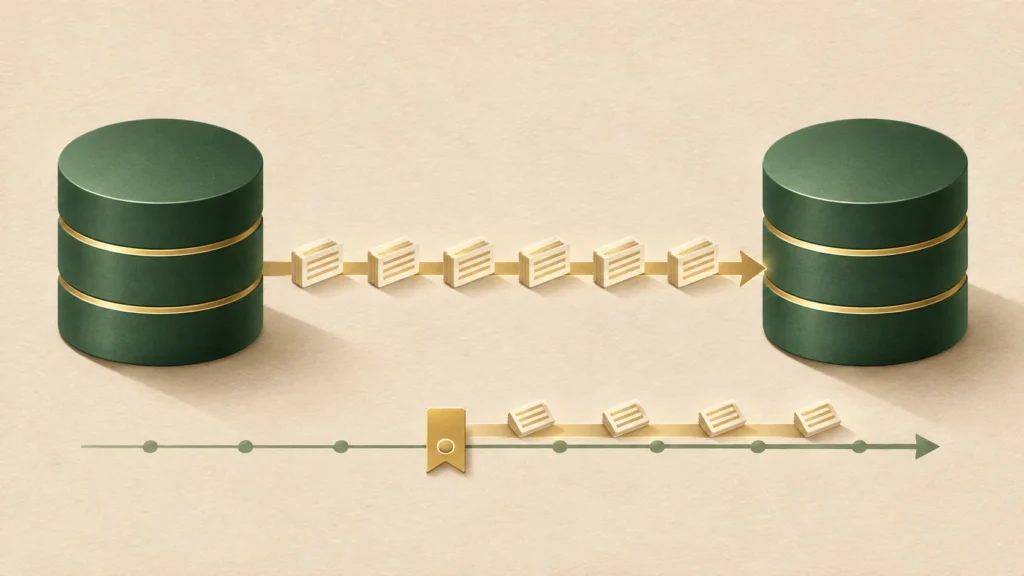
If GoldenGate is slow to start or its lag increases, check processing progress and the first error before sending another start command. Restart only the affected group after the cause has been addressed and the restart approved. Then verify that replication is actually progressing.
During a BI and batch-processing incident, GoldenGate readiness could not be confirmed when expected. In that situation, first determine whether the process has stopped or is still initializing or recovering. That distinction determines whether to wait, investigate, or consider a restart.
Separate process status from lag
The STARTING and UNKNOWN displays persisted during the incident. Identify the screen and field, and confirm that the status query succeeded. Process status and a lag measurement describe different things.
INFO ALL reports process status and checkpoint lag; it does not start or restart a process. Read Lag at Chkpt alongside Time Since Chkpt and a direct lag query to the running process. An old checkpoint can leave an outdated measurement on display. See Oracle’s INFO ALL reference.
The group names below are placeholders. If Extract and Replicat run in separate deployments, query each deployment separately. Use GGSCI in a Classic environment or an authenticated Admin Client in Microservices, checking command support for the installed release.
INFO ALL
INFO EXTRACT EXTRACT_A, DETAIL
INFO EXTRACT EXTRACT_A, SHOWCH
LAG EXTRACT EXTRACT_A
INFO REPLICAT REPLICAT_A, DETAIL
LAG REPLICAT REPLICAT_A
Record the query time and time zone. Repeat the checks after an appropriate interval and compare checkpoint positions. Progressing positions help distinguish ongoing work from a stall. Low downstream lag does not prove that fresh data is arriving from upstream; also check recent source changes against target results.
Decide from errors and processing progress
| Observed condition | Next step |
|---|---|
| Starting or recovering, with positions advancing | Observe progress. Do not send additional start commands. |
| Abended, with the error identified | Address the cause; check log availability, impact, and approval before considering a start. |
| Stopped for planned maintenance | Confirm the reason and coordinate with the owner. Do not restart automatically. |
| Query failed, field unclear, or position unchanged | Investigate logs and connectivity. An unknown state is not permission to start. |
Two possibilities needed investigation: the supervising component checking before initialization finished, and a leftover process or port conflict. Establishing either would require matching startup, first-error, and query timestamps with the process ID and port owner. Improvement after a longer wait does not, by itself, prove the cause.
The application’s Ready/Alive signal describes that integration’s readiness. It does not establish GoldenGate processing progress or data consistency.
Keep recovery logs available before stopping Extract
An open, long-running transaction may require older logs to be reread during recovery. If those logs have been deleted, another start command will not restore them. Check the recovery position and the required redo and archived logs before stopping Extract.
Oracle documents that STOP EXTRACT may report the oldest log needed when long-running transactions are open. Review that message and the recovery information, and work with the DBA to confirm that the files remain readable. Bounded Recovery settings and valid recovery files can also affect the work required. See STOP EXTRACT and Monitor Extract Recovery.
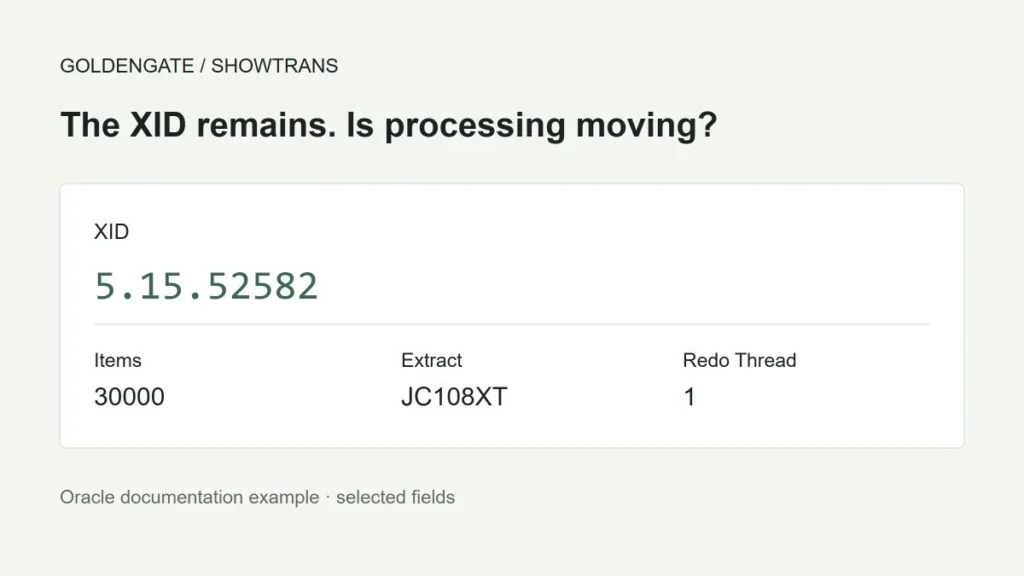
Where supported, SEND EXTRACT EXTRACT_A, SHOWTRANS displays open transactions tracked by a running Extract. Do not treat it as a complete inventory of source database transactions. See SEND EXTRACT.
Stop gracefully and start only the approved group
If a stop is necessary, request a graceful stop first. The following command changes process state; it is not a diagnostic query. Use it only for a specific group after its owner has reviewed the impact and recovery prerequisites.
STOP EXTRACT EXTRACT_ACheck the logs and status to confirm that the process stopped. If a long-running transaction is delaying the stop, investigate before forcing termination. FORCESTOP, transaction skipping, and checkpoint repositioning are outside this runbook. Each requires its own impact assessment and approval.
Once the stopping condition has been addressed and a start approved, start the affected group once and observe progress. These commands show two separate examples; they are not an instruction to run both every time.
START EXTRACT EXTRACT_A
START REPLICAT REPLICAT_A
Without positioning options, Extract attempts to resume from its established checkpoint. Choosing an arbitrary timestamp or SCN to reduce lag can skip data. See START EXTRACT.
If the same error returns, stop retrying and preserve the first error and recovery details. For configuration changes, record the previous values and the reversal procedure. Reverting configuration does not undo data already applied; assess that impact separately.
Keep the monitoring loop read-only
For periodic monitoring, repeat status queries and log the results. Sending a start command on every check ignores planned stops and recovery already in progress. The example below only queries status.
This example requires Bash and a local GGSCI installation in a Classic environment. It is not an Admin Client script for Microservices. Review the paths, group names, permissions, log destination, and execution limits, then validate it in a test environment.
#!/usr/bin/env bash
set -euo pipefail
umask 077
OGG_HOME="/ogg/ggs19c"
EXTRACT_GRP="EXTRACT_A"
REPLICAT_GRP="REPLICAT_A"
SLEEP_SEC=900
ITER=16
LOG="./ogg-status-$(date +%Y%m%d-%H%M%S).log"
for ((i=1; i<=ITER; i++)); do
  date -Iseconds | tee -a "$LOG"
  "$OGG_HOME/ggsci" <<EOF | tee -a "$LOG"
INFO ALL
INFO EXTRACT $EXTRACT_GRP, DETAIL
INFO REPLICAT $REPLICAT_GRP, DETAIL
EXIT
EOF
  if (( i < ITER )); then sleep "$SLEEP_SEC"; fi
done
The example runs 16 checks at 900-second intervals. Choose the interval and number of checks based on initialization time and the delay your workload can tolerate. This version does not sleep after its final check: the waits total 225 minutes, plus command execution time.
set -euo pipefail does not validate every GoldenGate command result. Someone must review the output for command errors. The example also lacks a timeout for an unresponsive query. Unattended monitoring needs environment-specific output checks, timeouts, overlapping-run protection, and alerts.
Check built-in restart management first
Before adding a separate start loop, find out what already manages the process. Multiple controllers can interfere with planned stops and incident response.
For Classic deployments, review Manager’s restart configuration. Oracle’s 19.1 AUTORESTART reference describes restarting abended processes and explicitly excludes processes whose last status was STOPPED. When reviewing a Classic Manager configuration, confirm retry-count and wait semantics against that installation’s documentation. See 19.1 AUTORESTART.
In 26ai Microservices, managed-process profiles provide automatic start and restart settings, retry limits, and delays. Check the deployment profile and any higher-level controller, such as XAG, rather than copying a Classic Manager configuration. See 26ai ADD PROFILE and managed-process settings.
Verify replication after RUNNING appears
- Record timestamps, time zones, group names, the first error, and any changes.
- Query again to confirm expected process state and advancing checkpoints.
- Inspect Extract, transport, and Replicat together, comparing lag trends.
- Use an existing heartbeat setup or approved business checks to confirm recent changes reached the target.
- Watch for recurring errors over the agreed observation period and confirm closure with the application owner.
After the response, no further status-transition delays were observed, and readiness signals stabilized. That outcome does not establish that the problem cannot recur.
Review scope
Reviewed against Oracle’s public documentation on November 5, 2026. Current command explanations cite 26ai documentation; historical Classic Manager behavior is explicitly linked to 19.1. The incident’s exact release, patch level, original logs, and observation period could not be verified, so its cause and recovery time could not be reproduced. The sample directory’s 19c label does not verify the installed release. These commands were not run against a production database for this review.