This is a guide to Pattern Studio, an app I develop and operate.
When you need an email check or a URL slug rule, it is tempting to paste a regular expression from an AI answer or a search result straight into the form. One passing example, however, does not establish that the pattern matches your product’s input policy.
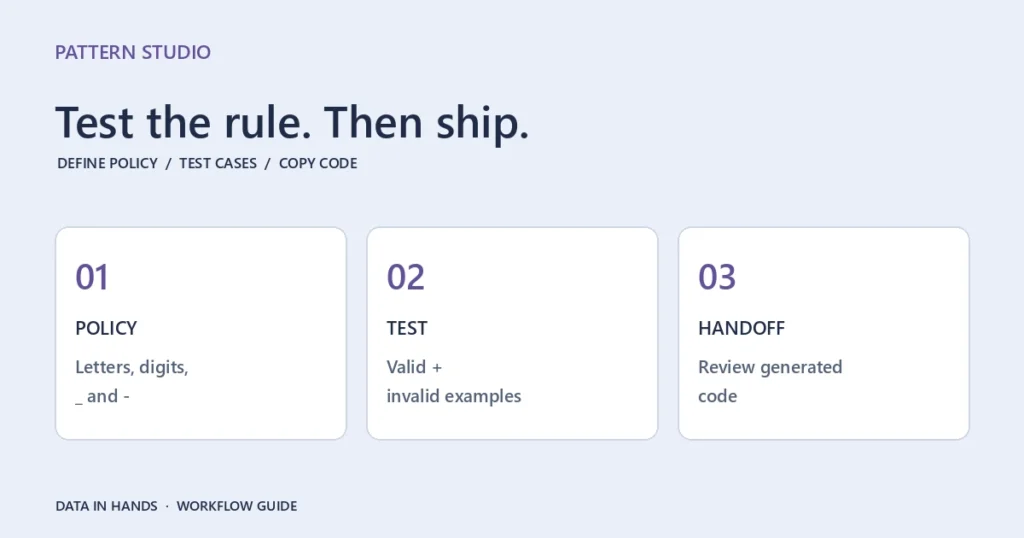
A solo developer can still use a small, repeatable review process. Start in Pattern Studio’s Form validator generator, compare positive and negative examples in Regex Lab, and then move the code into the application.
Describe the policy before choosing the pattern
‘Slugs may contain hyphens’ leaves several questions unanswered. Are leading or trailing hyphens allowed? What about uppercase letters, underscores and minimum length? A template does not decide those product requirements for you. Write down values that should pass and values that should fail first.
Generate a starting point
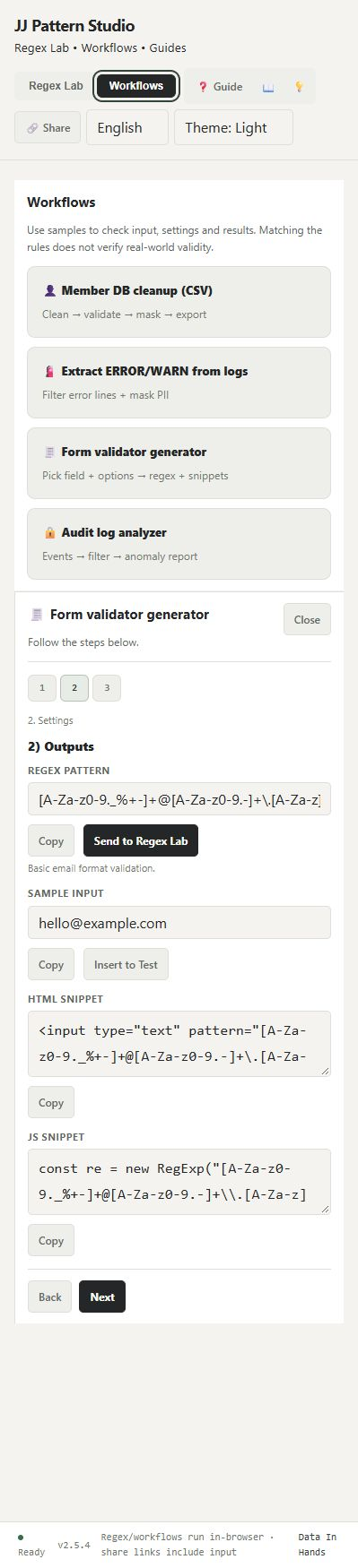
Open Pattern Studio, choose Workflows, then Form validator generator. Pick the region, field type and strict mode setting. Email is a simple first example for understanding the output layout.
The output step provides a regex pattern, sample input, HTML snippet and JavaScript snippet. Copy them separately, or use Send to Regex Lab to continue testing the pattern and sample. The form generator offers copy and handoff controls rather than a separate file download.
Do more than test one successful value
After sending an email pattern to Regex Lab, try these newline-separated inputs:
hello@example.com
support@test.co.kr
not-an-email
user@domain
This explores the boundary of a basic email format rule. A PASS is not evidence that the mailbox exists or can receive mail. If your product has a separate policy for internationalized addresses, add examples for that policy rather than assuming a basic template covers it.
Distinguish Split values from Raw text. Checking each item in a list is a different task from finding a substring in a larger source. Revisit the test conditions when you change anchors such as ^ and $, or flags such as g and m.
Verify the copied code in its target environment
The HTML and JavaScript snippets are starting points for integration. Regex Lab also offers code examples for other languages, but their regex syntax and execution behavior can differ. A browser test does not certify a server-side validator.
Client-side checks help a person enter data; server-side validation remains necessary. HTML pattern participates in the browser’s form validation rules, while a JavaScript test can accept a partial match depending on the expression. Run the same positive and negative examples through the actual form and server code.
Technical reference: MDN documents HTML pattern as a whole-value check compiled with the v flag. Literal hyphens and other reserved characters in character classes need the appropriate escaping. Compare that with JavaScript test behavior when checking a generated example in its target environment.
Keep the review reproducible
You can save a named pattern to the library for reuse in that browser. Treat it as browser-local storage rather than account synchronization. Share links carry both the pattern and input, so use synthetic examples when asking someone else to reproduce a result.
Generate a form pattern and test both passing and failing inputs. You should be able to explain the rule’s boundaries and reproduce the results.