This is a guide to Pattern Studio, an app I develop and operate.
You receive an event registration list or a member export. Some email cells contain plain text, and phone numbers follow different conventions. Before asking a developer to investigate, you need something more specific than ‘the data looks wrong’: a review file that shows which rows need attention.
Pattern Studio’s Member DB cleanup (CSV) workflow walks through input, column selection and masking, then export. You can use this workflow without writing a regular expression. The example below uses synthetic data rather than a real customer list.
A practical job for an operations coordinator
This workflow suits a small service team preparing a data correction request. Its checks tell you whether selected values match the configured format rules. A PASS does not establish that an email inbox exists or that someone owns a phone number.
Start with two rows
Open Pattern Studio, choose Workflows, then Member DB cleanup (CSV). Paste this example into the CSV input:
name,email,phone
Example,hello@example.com,010-1234-5678
Test,bad,123
Confirm that the first row contains headers. Review trimming and phone normalization before continuing. If your source uses a different delimiter, select it rather than relying entirely on automatic detection.
Review the columns before trusting the result
On the settings step, check that email maps to the email column and phone maps to phone. Automatic detection is a useful starting point, but similar column names can still require a manual choice. Leave a field unselected when you do not intend to check it.
Enable the masking options needed for your review file. With email and phone masking enabled, this example produces values such as he***@example.com and ***-****-5678. A value that does not fit the masking rule may be replaced with [MASKED].

Choose the export for the handoff
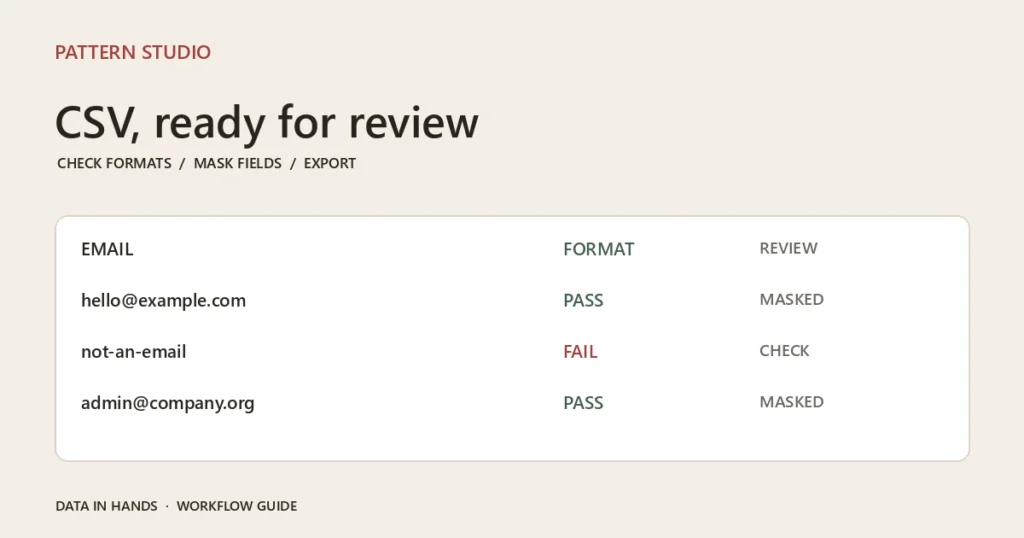
Under the default checks, the first row passes. The second fails the email and phone format checks. Download all rows when you need a complete review copy. Download PASS only to inspect the rows that meet the rules. Use the failed or unchecked report when you need a focused correction list. Copy CSV (all) is also available.
The spreadsheet CSV text protection option prefixes potentially formula-like cells with an apostrophe. That changes the exported text, so account for it when exact values matter. If you turn the option off, verify how the file behaves in the spreadsheet application that will open it.
Keep the review within its limits
This workflow processes its cleanup and masking in the browser. Masking is not a guarantee of anonymity: names and other columns can still identify a person. Try synthetic rows first and follow your organization’s rules before using real records. The tool does not merge duplicate members or verify real-world contact details.
Two rows are enough to learn the process. Try the member CSV workflow and compare the full export with the failure report. If your next handoff involves application logs, the ERROR/WARN extraction scenario is a useful next step.