OBIEE 12.2.1.4 to OAS 7.6: BAR Migration Checks
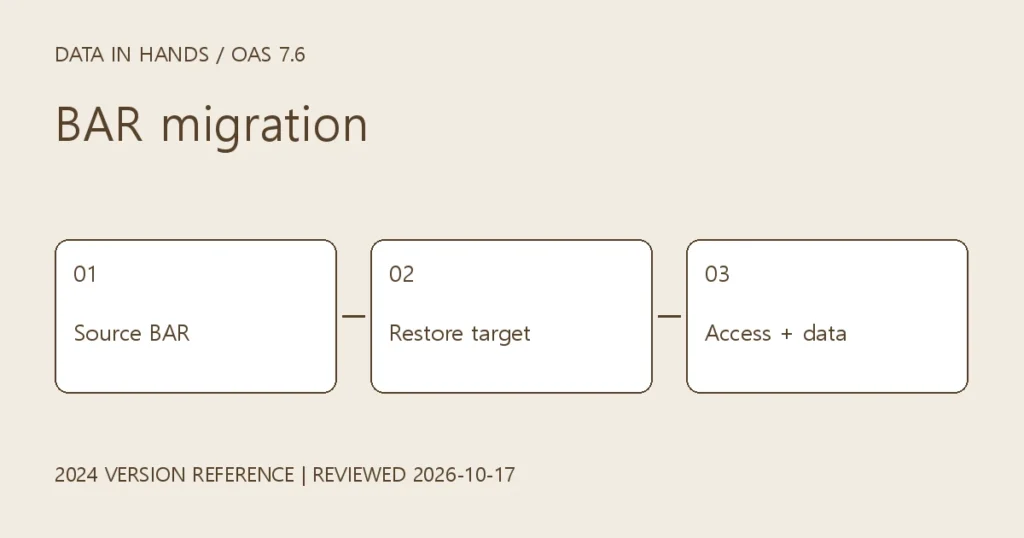
Plan a BAR migration from OBIEE 12.2.1.4 to OAS 7.6: encryption password, Migrate menu, restore, referenced files and administrator policies.
This is a version-specific reference for readers maintaining OAS 7.6 (2024). Official documentation was reviewed on October 17, 2026. The download page now presents OAS 2026; this is not a new-installation guide for that release. Commands below are examples, not results from a live OAS execution during this revision.
Define the migration starting point
This checklist assumes OBIEE 12.2.1.4.0 as the source and an existing OAS 7.6 target. Do not reuse this exportarchive example unchanged on 12.2.1.1. Verify the documented path and target compatibility for other source versions. This covers metadata migration, not the complete software or database-schema upgrade.
Oracle: migration starting points
1. Establish a baseline
- Record exact source and target releases, patches, service instances, authentication and connections.
- Create a target snapshot and retain it where recovery can access it. Keep the source intact.
- Capture representative analyses, dashboards, user access and scheduled-job state before migration.
2. Export the source BAR
cd "$DOMAIN_HOME/bitools/bin"
./exportarchive.sh -help
umask 077
mkdir -p "$HOME/oas-migration"
./exportarchive.sh ssi "$HOME/oas-migration"
Supply an encryption password during export and store it separately. Record the generated filename, size and checksum before transferring it through an approved channel. Use the actual output filename rather than assuming ssi.bar.
3. Separate import from restore
On the target, open Navigator → Console → Snapshots, then the page menu → Migrate → Import Snapshot. Select the BAR and enter its password. Import registers it; Restore applies it. Review selected content and overwrite effects before restoring without concurrent administrative changes.
4. Account for referenced files and permissions
Current Oracle guidance covers referenced file data, custom maps and undeployed semantic models under SDD components/DSS/storage/bootstrap. Where applicable, locate both actual SDDs and review the whole-bootstrap migration requirement. Do not assume the current SMML discussion applies identically to every 12c/7.6 installation; match it to the deployed features and release documentation.
After restore, review and add the required policies for the Administrator application role. Test administrative functions and ordinary user access separately; a successful login alone does not establish complete permission migration.
Oracle: export, import, referenced files and policies
5. Acceptance and failure handling
- Compare analysis results using the same filters and dates, and verify catalog paths and access.
- Check target connections, credentials, maps, file data and schedules. Prevent duplicate deliveries from source and target.
- Preserve the failing step and logs. Record import and restore outcomes separately. Investigate restore failures before using the prepared target recovery procedure.