OAS 7.6 RPD Download and Upload: Diagnostic Workflow
Review OAS 7.6 RPD download and upload commands, server versus client options, password prompts, consistency checks and rollback planning.
This is a version-specific reference for readers maintaining OAS 7.6 (2024). Official documentation was reviewed on October 17, 2026. The download page now presents OAS 2026; this is not a new-installation guide for that release. Commands below are examples, not results from a live OAS execution during this revision.
Choose the right scope
Use an RPD copy for diagnostics or development testing. Prefer the BAR workflow for general maintenance and migration; an RPD alone is not a complete environment backup. See Oracle’s intended command usage.
1. Check execution context and privileges
The examples run on the Linux OAS server. Set DOMAIN_HOME to the actual BI domain and replace ssi with the target service instance. Verify BI Service Administrator privileges and WebLogic Administrators group membership.
cd "$DOMAIN_HOME/bitools/bin"
ls -l datamodel.sh
./datamodel.sh downloadrpd -H
./datamodel.sh uploadrpd -H
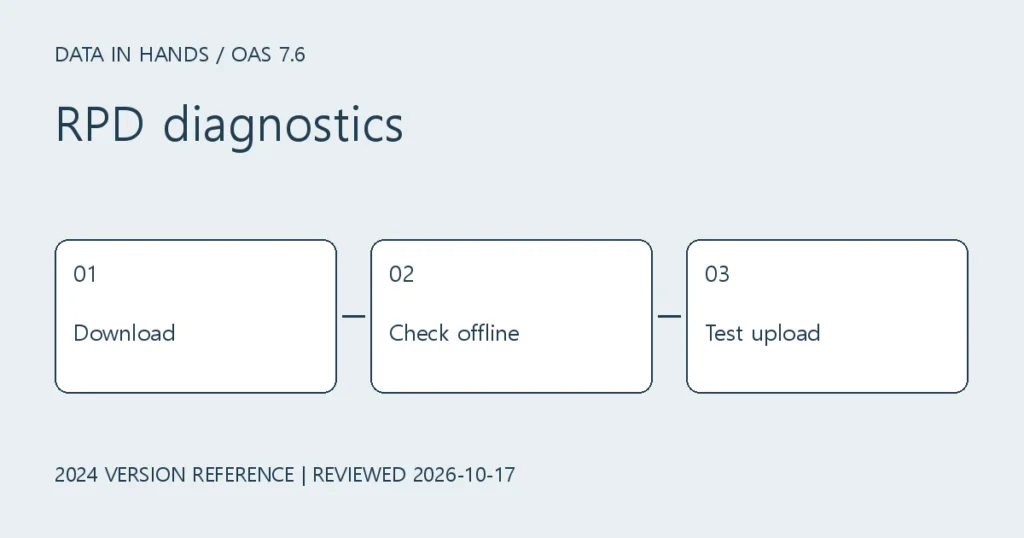
2. Preserve a baseline RPD
Use a private working directory and keep passwords out of shell history. -P is the account password and -W is the RPD password; omitted passwords are prompted. They are separate credentials.
umask 077
mkdir -p "$HOME/oas-rpd-review"
./datamodel.sh downloadrpd -O "$HOME/oas-rpd-review/baseline.rpd" -SI ssi -U weblogic
The server installation discovers its endpoint, so omit -S/-N/-SSL there. A client installation needs the correct host, port and TLS configuration. The example below assumes a configured TLS endpoint; do not assume 9502 is the TLS port everywhere.
datamodel.cmd downloadrpd -O "C:\work\baseline.rpd" -SI ssi -U weblogic -S oas.example.com -N 9503 -SSLOracle: downloadrpd / server and client options
3. Edit offline and upload
Open a copy with matching Client Tools and save edits to a new file. Run File → Check Global Consistency. A successful consistency check does not prove query results are correct; retain baseline analysis results too.
./datamodel.sh uploadrpd -I "$HOME/oas-rpd-review/updated.rpd" -SI ssi -U weblogicPrepare a target snapshot and recovery procedure before upload. Follow the documented offline-publication sequence, including BI Server instance restarts and Reload Files and Metadata in Presentation Services, within an agreed change window. Do not default to restarting every BI component.
4. Validate results and recovery
- Compare subject areas, connection pools, row counts, totals and filters against the baseline.
- Test dashboards as a representative user, not only an administrator.
- On failure, inspect logs, file identity and service instance before using the rehearsed BAR recovery procedure. Do not repeatedly upload or add the destructive -D option as a generic fix.