This is a guide to Cron Helper, a tool I develop and operate.
A small service still accumulates recurring work: a status check, a report or a routine export. “Every weekday at nine” sounds straightforward. Translating that sentence into five cron fields is where a quick copy-and-paste can become an assumption.
Cron Helper gives you a place to review the schedule before editing the system that will run it. The useful output is an expression you can explain, accompanied by a few dates that match your intention.
Decide what nine o’clock means
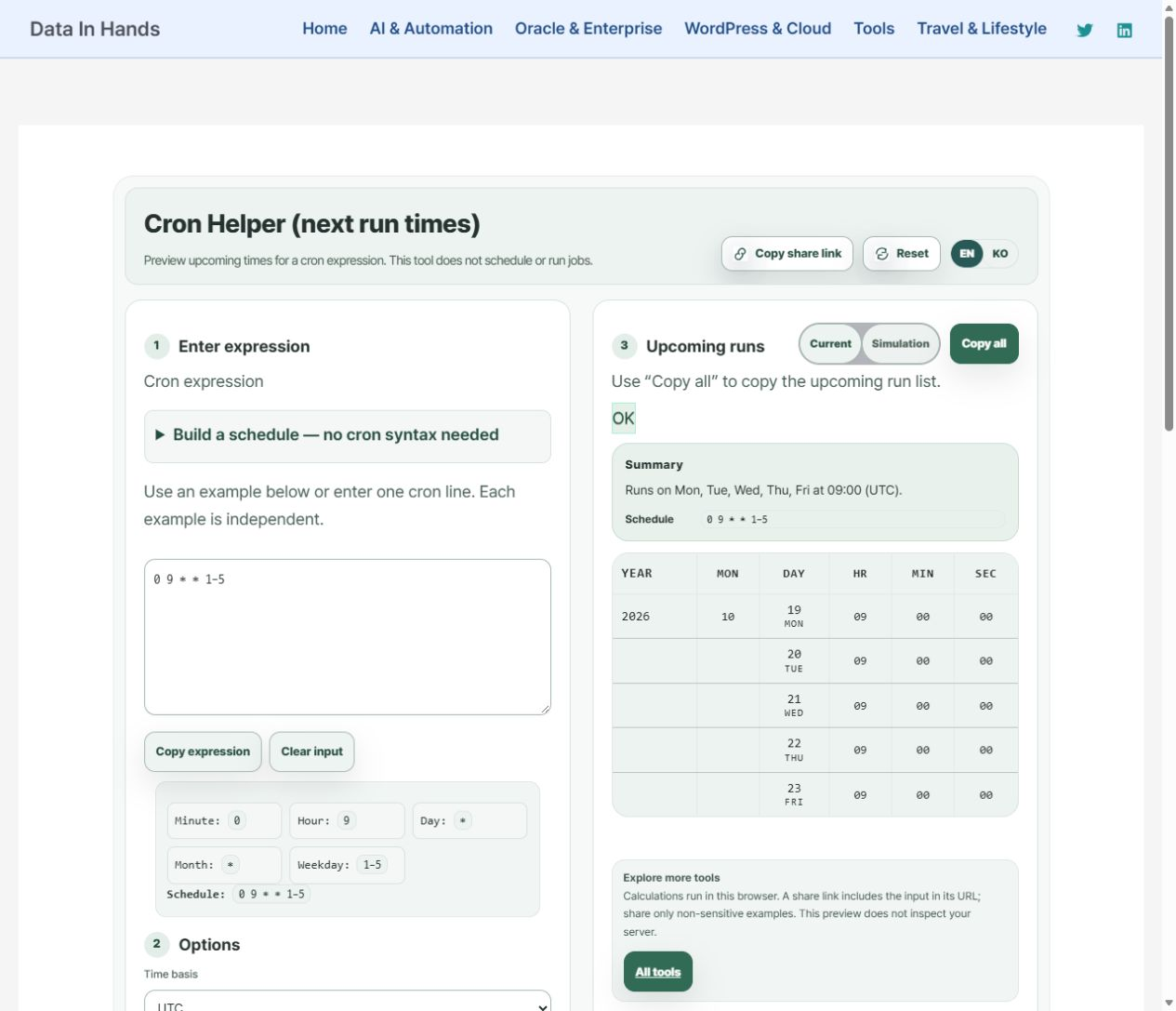
This example uses 09:00 UTC, Monday through Friday. It does not mean 09:00 wherever the person opening the page happens to be. The browser-time option identifies your browser’s zone; it does not discover the timezone of your server.
Use the builder before learning every field
- Expand “Build a schedule” and choose “Weekdays (Mon–Fri)”.
- Set the time to 09:00 and select UTC as the time basis.
- Choose “Build and preview”, then compare the expression with the summary.
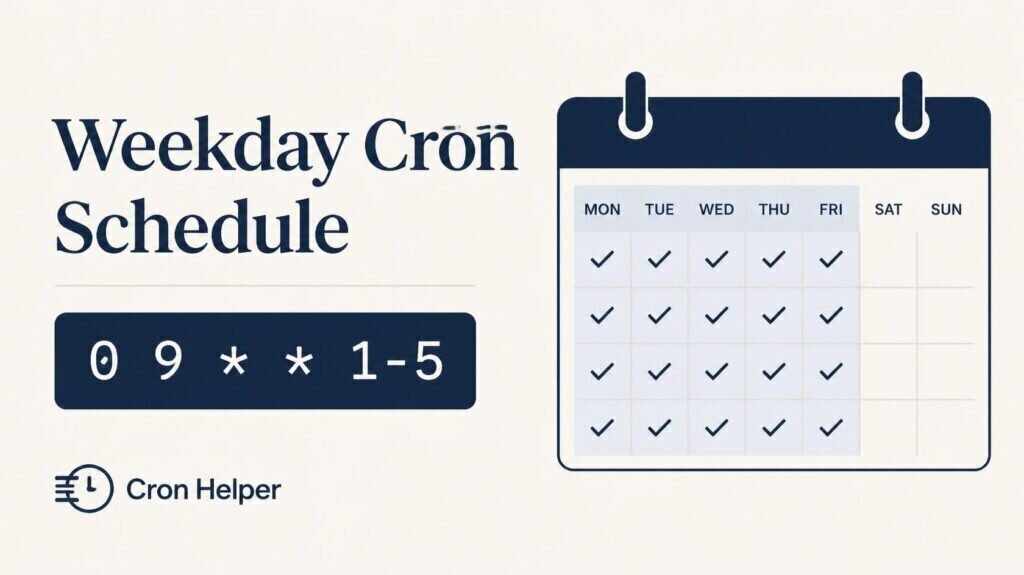
0 9 * * 1-5The example has five fields: minute, hour, day of month, month and day of week. Do not add a seconds field simply because another system uses six fields. Confirm the contract of the scheduler that will receive the expression.
Read the dates, not just the success message
Using October 17, 2026 as the review starting point, the next weekday dates begin on Monday, October 19. Check that the weekend is absent and the time remains 09:00. Here, weekdays means Monday through Friday; it is not a company-holiday calendar.
You can reduce the number of displayed runs in the advanced options. For a reproducible review, record the expression, time basis and starting point together. A screenshot without those conditions can be easy to misinterpret later.
Copy a schedule; deploy it separately
“Copy expression” and “Copy all” serve different purposes. Use the first for the schedule string and the second for the upcoming-run list. A handoff note such as “weekdays, 09:00 UTC, five fields, target not yet configured” makes the intention explicit.
A successful preview is not a registered job or evidence that a command completed. The executable path, account, environment, permissions and execution logs still belong to the target system. Keep the schedule review separate from those deployment checks.
For the underlying syntax, see the Cronie crontab documentation. The steps here preview a schedule in the browser; they do not modify your server.
Build one weekday schedule and inspect the next dates.